

If your team runs Marketing Cloud Engagement (the platform many still call SFMC or ExactTarget), you have probably been asked some version of the same question in the last year: “When are we moving to Marketing Cloud Next?”
Marketing Cloud Next is Salesforce’s newest marketing product. Salesforce also markets it under the Agentforce Marketing name. It is built natively on the Salesforce Platform, uses Data 360 (formerly Data Cloud) as its data foundation, and orchestrates customer journeys with Flow. It has been available to existing customers since 2025 and has expanded with every release since.
The honest answer to “when” depends on your data, your journeys and your team. This article covers the strategy side: what changes, who should move and when, and a phased plan. It reflects Salesforce’s documentation at the time of writing, and names change quickly, so check the current release notes before you commit dates. For the hands-on side, see our companion guide to Marketing Cloud Next flow types.
An addition before it is a replacement
The first thing to understand is that adopting Marketing Cloud Next doesn’t mean switching off Engagement.
- Salesforce sells Engagement+ editions, which bundle all Marketing Cloud Engagement features with access to Marketing Cloud Next. Existing customers get there by renewing into a ”+” edition.
- Inside an Engagement account, a Next entry in the navigation bar opens the Marketing Cloud Next features. Admins control which users see it.
- Salesforce’s own adoption guidance for Engagement customers is direct: Journey Builder isn’t going anywhere, and existing journeys keep working. Flow can trigger Engagement journeys and email sends, and it can listen for journey events such as entry, exit and goal met.
That changes the planning question. You aren’t planning a big-bang migration. You’re deciding which work moves to the new platform, in what order, and when, if ever, the old way gets retired.
What actually changes for an Engagement team
The data foundation moves to Data 360
In Engagement, your data model is data extensions, the contact model and a lot of SQL in Automation Studio. Marketing Cloud Next reads from Data 360: unified profiles, segments and data graphs, which make profile data available inside flows and content.
Your audiences and personalization will only be as good as your Data 360 setup. If you haven’t done that work yet, start with our Data 360 readiness guide.
Orchestration moves to Flow
Journeys are built in Salesforce Flow, the same automation tool your CRM admins already use. That means marketing automation can update Sales and Service records, branch on CRM data and call agents within a single flow. It also means your marketing team and your Salesforce admins now share a toolset, along with its governance.
Consent moves to the contact point
Engagement manages subscriptions per subscriber. Marketing Cloud Next manages consent on the contact point, meaning the email address or phone number itself, combined with a communication subscription. If two subscriber records share one email address and that address opts out, Marketing Cloud Next honors the opt-out for both. Your preference center logic (see our guide to custom preference centers in SFMC) needs to be checked against that model.
Sending reputation doesn’t come with you automatically
Salesforce lets you share your established sending domains from Engagement with Marketing Cloud Next. Your IPs don’t carry over, though, and Salesforce recommends warming your reputation on the new platform even when you’re using a shared, established domain.
AI sits closer to the work
Marketing Cloud Next includes Agentforce capabilities for building segments from natural-language prompts, generating content and recommending a next-best journey. These features are still evolving from release to release. Treat them as accelerators to evaluate, not as the reason to move.
Who should move now, and who can wait
Good candidates to start now:
- Teams already renewing into an Engagement+ edition, since access is included.
- Organizations where marketing needs CRM data that’s hard to get into Engagement today, such as opportunity stages, cases or account data.
- Teams with a Data 360 implementation underway or already done.
- Brands launching a new program, region or business unit. Building it new is cleaner than porting it.
Reasons to take it slower:
- Your Engagement setup relies heavily on custom AMPscript, SSJS, CloudPages and complex SQL, and nobody has mapped what each piece does.
- Your customer data isn’t unified yet, or there’s no clear source of truth for consent.
- You run very high-volume batch sends and haven’t yet confirmed how they’d perform on the new platform.
Waiting isn’t a failure. Running a well-tuned Engagement setup while you prepare the data foundation is often the right call.
A phased plan
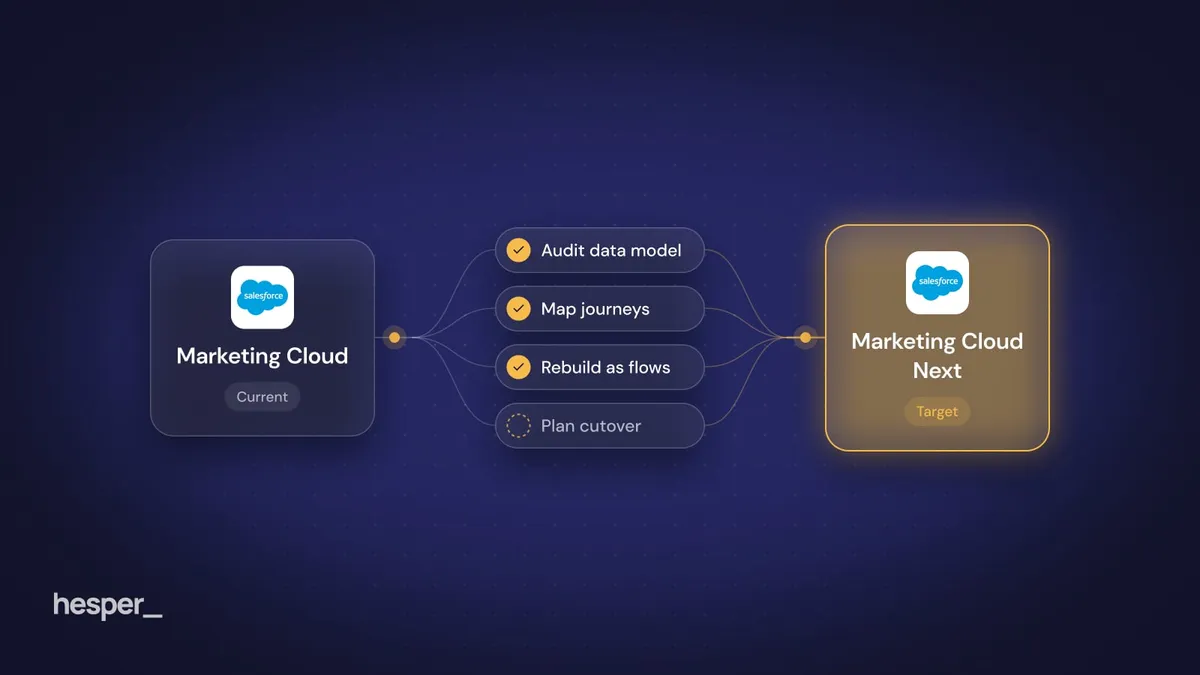
Salesforce describes two broad paths: gradual adoption, where you keep building in Engagement and move select use cases over, and accelerated adoption, where all new work goes to Marketing Cloud Next while existing programs stay in Engagement. Either way, we plan in five phases.
Phase 1: Audit what you run today
Inventory every journey, automation, data extension, CloudPage and integration. For each one, record its business purpose, its owner, its volume and the data it depends on. You’ll usually find a good share of it is obsolete. Our article on dormants journeys is a good example of a program worth keeping and rebuilding properly. Many others can simply be retired.
Phase 2: Build the data foundation
Connect Engagement to Data 360, map your business units to data spaces, configure identity resolution and create the data graphs your flows will need. Salesforce recommends mapping each Engagement business unit one-to-one to a data space at first, and choosing carefully where you install the marketing app, because it can’t be uninstalled later.
Phase 3: Pilot one or two use cases
Pick something low-risk the team already understands. Good examples are a single follow-up email, routing people from one existing journey to the next, or a unified report that today takes a SQL export. Salesforce’s own guidance recommends starting with out-of-the-box features and small audiences. Measure the pilot, write down what you learned and fix the gaps.
Phase 4: Run both platforms in parallel
Expand use case by use case while Engagement keeps running everything else. This is where shared sending matters: syncing consent between the two platforms, sharing domains and warming reputation gradually, starting with your most engaged subscribers. Keep a clear register of which platform owns each program so nobody receives the same message twice.
Phase 5: Cut over, one program at a time
Retire an Engagement program only once its replacement has run cleanly through a full cycle, for example a month of a monthly newsletter or a full quarter of onboarding. Archive the old assets and update your documentation. Some organizations will run both platforms for a long time, and that’s a valid end state too.
Who needs to be involved
A move like this crosses teams. At a minimum:
- An executive sponsor who protects the time and budget.
- A marketing lead who chooses the use cases and judges the results.
- The Engagement admin, who knows where everything lives today.
- The Salesforce/CRM admin, who owns Data 360 setup, permissions and Flow governance.
- A data owner for identity resolution and consent decisions.
Pitfalls we see in planning
- Treating it as a lift-and-shift. Recreating every journey step for step carries old workarounds into a platform that doesn’t need them.
- Starting with the flows instead of the data. Flows built on an unfinished data model have to be rebuilt.
- Forgetting deliverability. Domains can be shared but IPs can’t, and skipping reputation warming is an avoidable risk.
- Leaving consent for the end. The contact-point model can change who is eligible to receive a message.
- No ownership model for Flow. Marketing and CRM teams editing the same automation tool need naming conventions and change control from day one.
- Planning around last quarter’s feature list. Marketing Cloud Next changes with each Salesforce release, so review the release notes before each phase.
Planning the move with a partner
As an official Salesforce partner with certifications across Marketing Cloud and Data Cloud, we help Engagement teams with exactly this: auditing what they have, building the Data 360 foundation, and piloting the first use cases on Marketing Cloud Next. If you want help shaping your own roadmap, talk to our team.
The teams that succeed treat Marketing Cloud Next as a program of small, measured moves rather than one migration date.