

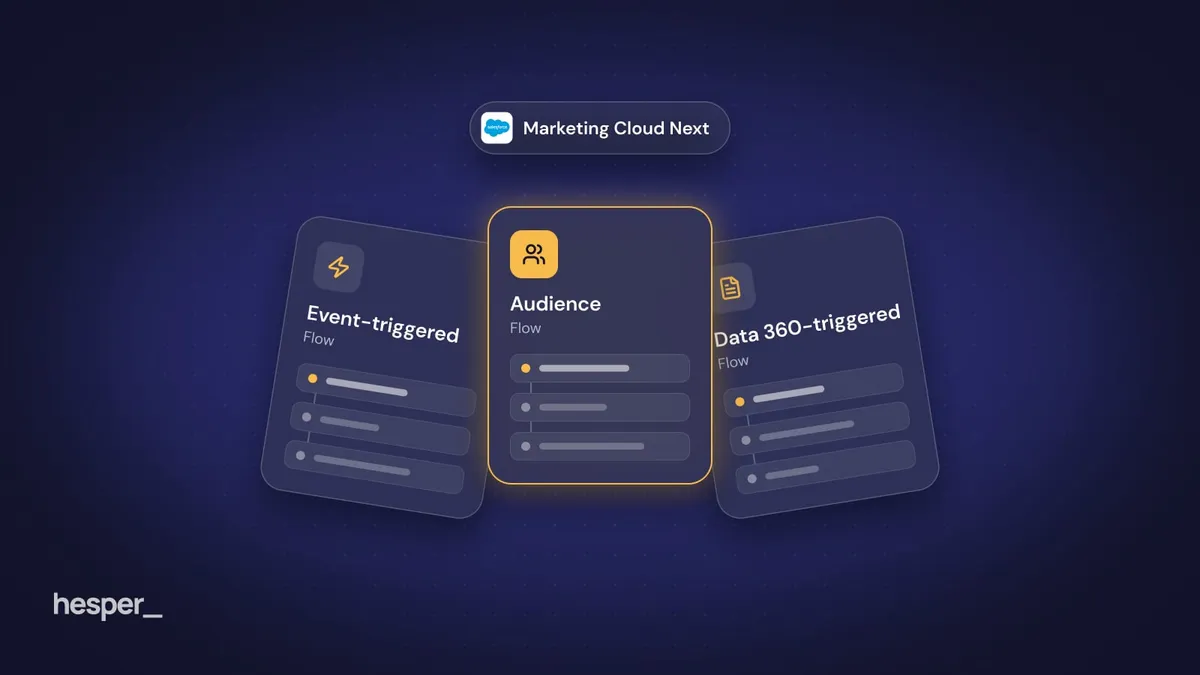
In Marketing Cloud Next, journeys are built as flows in Salesforce Flow Builder. Campaigns, nurture series and transactional messages all start the same way. The very first decision you make when building one is the flow type, which sets what starts the flow and who enters it.
Choose the wrong type and you’ll be working against it: polling for changes that could have triggered the flow directly, or sending to a whole segment when you meant to react to one person’s click. This guide covers the marketing flow types in Marketing Cloud Next, what triggers each one and where it fits, plus two standard Salesforce Flow types you’ll use alongside them. It reflects Salesforce’s documentation at the time of writing (the Winter ‘27 release). Salesforce adjusts these names and options regularly, so check the current release notes before you build.
If you’re still deciding whether and how to adopt the platform, start with our guide to planning your move to Marketing Cloud Next. This article assumes you’re ready to build.
Audience flows
Audience flows are the workhorse for scheduled and campaign-style sends. In the Summer ‘26 release, Salesforce brought its audience-based starting points together under one Audience Flow option. It replaced the older segment-triggered flow. When you create one, you pick an audience source, and that source decides the exact flow type:
- Segment: runs for the members of a published segment in Data 360 (formerly Data Cloud). This is the successor to the segment-triggered flow, and the segment must be published before the flow can run.
- List: runs for each member of an actionable list, a fixed set of leads or contacts. Lists don’t refresh on their own. You update them manually or from another flow.
- Record: creates a record query flow, which runs for CRM records that match criteria you define.
- Campaign: creates a campaign flow, which runs for the members of a Salesforce campaign.
Audience flows run once, either when activated or at a scheduled time, or on a recurring schedule. You also control whether someone can re-enter: always, only after completing the flow, or never.
Use it for: newsletters, promotions, recurring sends such as birthday or renewal reminders, and nurture programs aimed at a defined group.
Automation event-triggered flows
An automation event-triggered flow starts when a specific event happens for one person. Out of the box, that includes events like a form submission, an email open or a link click. You can also define custom events with engagement signals, built on data that lands in Data 360. Availability of some event options depends on your edition, so confirm what your org has.
This is the flow type for reacting in the moment: someone did something, and you respond.
Use it for: welcome series after a sign-up form, auto-responders that deliver a requested file, follow-ups to people who clicked a specific link, and adding engaged people to a campaign.
Data 360-triggered flows
A Data 360-triggered flow (Salesforce’s documentation also uses the older “Data Cloud-triggered” name) starts when a qualifying record is created or updated in the Data 360 object you choose. That can be a data model object or a calculated insight.
Two details catch people out. Records that already exist don’t start the flow. And ingestion or refresh processes aren’t triggers in themselves. Only an actual qualifying change to the selected object counts.
Use it for: reacting to computed values, such as a customer crossing a lifetime value threshold or an engagement score passing a target. It is also useful for keeping consent records up to date at low volume.
Activation-triggered flows
An activation-triggered flow starts when a Data 360 activation is published, for example when a segment refreshes on its schedule. It runs in the background without user interaction.
Use it for: sends that should go out whenever a segment is republished. It also fits cases where you want the activation itself to carry the personalization data rather than relying on a data graph.
On-demand and broadcast flows
These two flow types are started by a system rather than by a person or a schedule.
- On-demand flows start when the REST API calls them, typically for one recipient at a time. Salesforce positions them for transactional messages, where your system passes the data at send time. Think order confirmations or password resets.
- Broadcast flows start when referenced by Apex, the REST API or a subflow, and they work with dynamic segments to reach a large, targeted audience fast. Salesforce’s example is a flight-delay notification. Broadcast flows depend on Data 360, so check which editions include them in your org.
Use them for: anything your own systems need to trigger: ecommerce and booking events, service outages, time-sensitive operational alerts.
Standard Flow types you’ll use alongside marketing flows
The flow types above are the marketing-specific ones. Because Marketing Cloud Next runs on the Salesforce Platform, your team will also use some standard Salesforce Flow types that CRM admins already know. Two come up in almost every marketing implementation.
Record-triggered flows
A record-triggered flow starts when a CRM record, such as a lead or contact, is created or updated and meets your conditions. When Marketing Cloud Next runs in the same Salesforce org as your CRM, the flow reacts to the record directly, with no connector sync in between. If you need to update marketing consent when a CRM record changes, confirm which flow types support the consent actions in your org. Salesforce’s guidance on this has changed between releases.
Use it for: alerting sales about a new high-intent lead, creating a lead from a qualified prospect and updating CRM fields from marketing activity.
Autolaunched flows
Autolaunched flows have no trigger of their own. Another flow calls them as a subflow.
Use it for: reusable building blocks, such as a standard consent check, a lead-routing step or a shared follow-up sequence. Build it once and call it from many flows instead of copying the same elements everywhere.
Flow types at a glance
| Flow type | Starts when | Who enters | Typical marketing use |
|---|---|---|---|
| Audience (segment, list, record, campaign) | Activated, scheduled or recurring | Everyone in the chosen audience | Newsletters, promotions, recurring and nurture sends |
| Automation event-triggered | A form submission, email engagement or custom engagement signal occurs | The person who triggered the event | Welcome series, auto-responders, click follow-ups |
| Data 360-triggered | A qualifying record changes in a selected Data 360 object | The record that changed | Threshold and score-based actions, low-volume consent updates |
| Activation-triggered | A Data 360 activation is published | Members of the activation | Sends tied to segment refreshes |
| On-demand | Your system calls it through the REST API | Usually one recipient | Transactional messages |
| Broadcast | Called by Apex, the REST API or a subflow | A dynamic segment | Urgent alerts to large audiences |
| Record-triggered (standard Flow) | A CRM record is created or updated and meets conditions | The record that changed | Sales alerts, lead handling |
| Autolaunched (standard Flow) | Another flow calls it | Whoever the parent flow passes in | Reusable subflows |
How to choose
Ask these questions in order:
- Is it started by your own system rather than by marketing? Use an on-demand flow for individual transactional messages and a broadcast flow for urgent messages to many people.
- Is it a reaction to something one person just did? Use an automation event-triggered flow for engagement events and forms, or a standard record-triggered flow if the change happens on a CRM record.
- Is it a reaction to a computed value in Data 360? Use a Data 360-triggered flow.
- Is it a send to a defined group, once or on a schedule? Use an audience flow, and pick the source that matches where the audience lives: Data 360 segment, actionable list, CRM records or campaign members.
- Is it a step you’ll repeat across flows? Build it as an autolaunched flow and call it as a subflow.
When two types could both work, we prefer the one that triggers closest to the real-world event. In our experience, that makes the journey more timely and avoids the overlap that scheduled checks for changes can create.
Habits that keep flows maintainable
- Name flows by type and purpose, for example “Event – Webinar signup – Welcome”. With marketing and CRM flows in the same org, clear names prevent costly mistakes.
- Set re-entry rules on purpose. The default rarely matches what a recurring audience flow needs.
- Test with internal audiences first, using a small segment or list before a full launch.
- Document who owns each flow, especially where marketing flows update CRM records.
Where to start
Pick one live use case, such as a welcome message or a monthly campaign, and choose its flow type using the questions above. Build it, test it with an internal audience, and let the result guide your next flow.
If you’d like help choosing and building the right flows for your programs, our Marketing Cloud Next team designs and builds them every day, and you can reach us here.
The right flow type keeps each journey simple: it starts at the right moment, for the right people, without workarounds.