

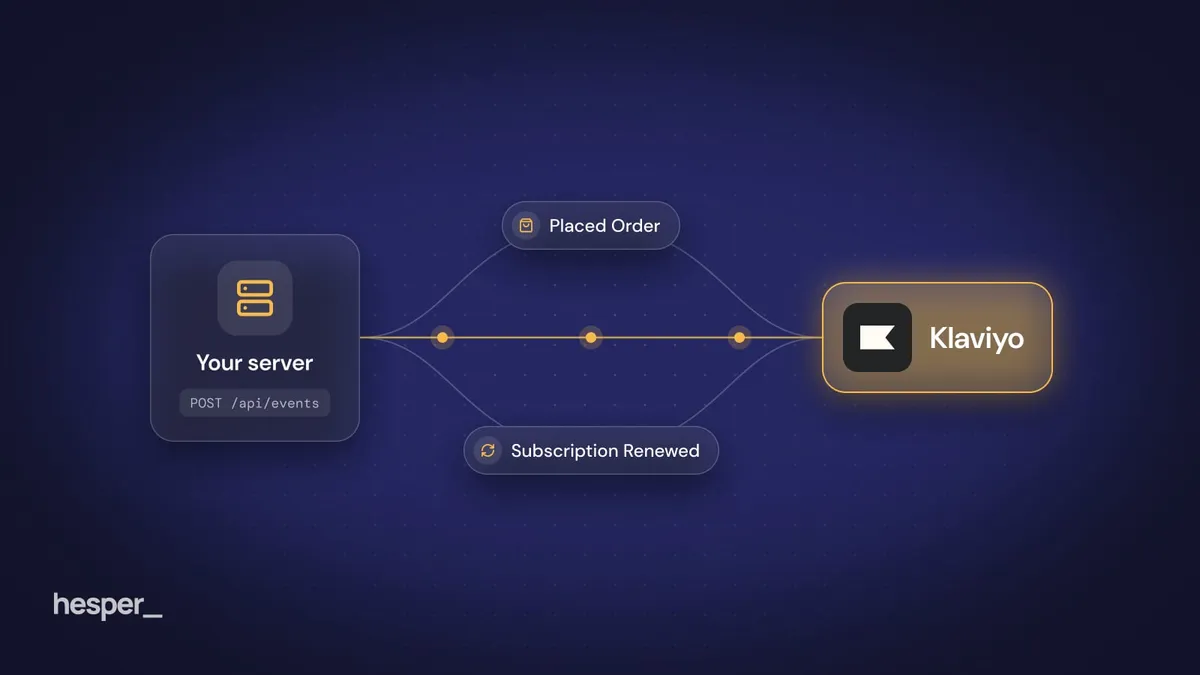
Klaviyo’s onsite JavaScript is a great starting point. Add it to your site, and you get Active on Site tracking and, with a small addition on product pages, Viewed Product events, with very little effort. On a store with a pre-built integration, orders arrive through that integration, and most teams never think about tracking again.
That changes when your business doesn’t fit the standard setup. A custom checkout, a mobile app, a subscription billing system or a booking engine all produce events that never pass through a browser. If those events don’t reach Klaviyo reliably, your flows fire late or not at all, and your segments quietly undercount.
This article covers when you need server-side tracking, how the Klaviyo Events API works, and the decisions that make the data trustworthy. The examples use API revision 2026-10-15.
When the onsite snippet isn’t enough
The onsite snippet runs in your visitor’s browser. That is the right place for browsing behavior, and the wrong place for anything that matters to revenue. Klaviyo’s own guide for platforms without a pre-built integration draws the line the same way:
- Client-side (JavaScript): Active on Site, Viewed Product, Added to Cart and Started Checkout. These describe a browsing session.
- Server-side (Events API): Placed Order, Ordered Product, Fulfilled Order, Canceled Order and Refunded Order. Klaviyo recommends server-side tracking for these because browser requests can fail on slow connections or when an ad blocker is running.
In our work, server-side tracking becomes essential in five situations:
- Custom or headless checkouts, where no pre-built integration sends orders for you.
- Mobile apps and other non-web channels, where there is no page for the snippet to run on.
- Subscriptions and billing: renewals, failed payments and cancellations happen in a billing system, often while the customer is nowhere near your site.
- Backend and operational events: shipments, returns, loyalty tier changes, appointment confirmations.
- Events that must not go missing: anything a flow or a revenue report depends on shouldn’t rely on a script that an ad blocker can stop.
How the Events API works
Server events go to the Create Event endpoint, POST https://a.klaviyo.com/api/events. Each request needs three headers:
Authorization: Klaviyo-API-Key your-private-api-key, using a private key with theevents:writescope. Private keys belong on your server only, never in browser code.revision, the API version you’ve built against, such as2026-10-15.content-type: application/vnd.api+json.
Every event names a metric (the event type), a profile (who did it) and a set of properties (the details). Here is a Placed Order event:
{
  "data": {
    "type": "event",
    "attributes": {
      "metric": {
        "data": { "type": "metric", "attributes": { "name": "Placed Order" } }
      },
      "profile": {
        "data": {
          "type": "profile",
          "attributes": { "email": "[email protected]", "external_id": "CUST-20931" }
        }
      },
      "properties": {
        "OrderId": "ORD-58213",
        "ItemNames": ["Trail Runner Sock", "Merino Beanie"],
        "Items": [
          { "ProductID": "1042", "SKU": "SOCK-TR-M", "ProductName": "Trail Runner Sock", "Quantity": 2, "ItemPrice": 18.0 },
          { "ProductID": "3075", "SKU": "BEANIE-MR", "ProductName": "Merino Beanie", "Quantity": 1, "ItemPrice": 32.0 }
        ]
      },
      "time": "2026-11-24T14:32:00Z",
      "value": 68.0,
      "value_currency": "CAD",
      "unique_id": "ORD-58213"
    }
  }
}
A successful call returns 202 Accepted. That means Klaviyo validated the request and queued it, not that the event has been processed. Events are created asynchronously and can take a few minutes to appear.
For historical imports or high volumes, the Bulk Create Events endpoint (POST https://a.klaviyo.com/api/event-bulk-create-jobs) accepts up to 1,000 events per request. Both endpoints are rate-limited, with lower limits on the bulk endpoint, so your integration should queue events and retry with backoff when it gets a 429 response.
Pin your revision
Klaviyo versions its API by date. Each revision is stable for one year, deprecated for a second year and then retired. Pin the revision in your code, put a reminder in the calendar to review it, and upgrade on purpose rather than discovering a retirement in production.
Identify the profile correctly
Every event must include at least one profile identifier. Klaviyo supports email, phone_number, external_id (your own customer ID) and its own profile id. If the profile doesn’t exist yet, Klaviyo creates it.
Two rules keep identity clean:
- Send only identifiers you know are correct. Klaviyo’s documentation warns that adding an ID alongside an email or phone number can cause errors if the ID is wrong. A stale
external_idattached to a new email address is how two customers end up sharing a profile. - Use the same identifiers everywhere. If your onsite tracking identifies people by email, your server events should carry the same email. That’s what lets a browse event and an order land on one profile.
external_id is most useful when your backend knows the customer ID but the email can change, for example in an app with account settings. Don’t use it to track anonymous visitors. Doing so can create duplicate profiles.
Name events and properties for the people who use them
The metric name is what marketers see when they build flows and segments, so treat it as part of the interface.
- Use clear, past-tense names in title case, following Klaviyo’s own examples: “Placed Order”, “Subscription Renewed”, “Payment Failed”. Klaviyo doesn’t enforce this style, but consistency makes metrics easy to find.
- Never vary the name. If the name doesn’t match an existing metric, Klaviyo creates a new one. “Subscription Renewed” and “Subscription renewed” become two separate metrics, and half your renewals vanish from a flow.
- Put anything you’ll filter on at the top level. Only top-level event properties can be used in segment conditions and flow trigger filters. Nested data, such as line items inside an
Itemsarray, is still usable in message templates. That’s why the example above also sends a top-levelItemNameslist. - Keep types consistent. A price should always be a number, a flag always a boolean. Text filters in segments are case-sensitive, so “Gold” and “gold” are different values.
- Use
valuefor revenue.valueis the number Klaviyo uses for revenue reporting. Once a metric has been sent with avalue, later events without one are recorded as 0, so send it on every event of that metric.
The properties of a Subscription Renewed event follow the same pattern. Here, the invoice ID plays the role the order ID plays for purchases:
{
  "InvoiceId": "INV-88410",
  "SubscriptionId": "SUB-8841",
  "PlanName": "Monthly Coffee Box",
  "RenewalNumber": 12
}
Deduplicate with unique_id
Retries are a normal part of any integration. Networks time out, workers restart and webhooks get delivered twice. Without deduplication, every retry is a second order in Klaviyo and a second confirmation email.
The unique_id field solves this. If Klaviyo receives the same unique_id for the same profile and metric, only the first processed event is recorded. Our rules:
- Use the business ID when there is one. For Placed Order, Klaviyo’s guide recommends the order ID. For a renewal, the invoice ID works the same way. For Ordered Product, we combine the order ID and the line item ID, so each line is kept.
- Otherwise, generate a UUID v4 per event and store it with the outgoing message, so a retry sends the same value.
- Never leave it out on important events. Without
unique_id, Klaviyo uses the event timestamp truncated to the second. Two different events for the same profile and metric in the same second can then be treated as duplicates and dropped. - Check bulk batches for repeats. A bulk request with a repeated
unique_idis rejected with a400, and none of its events are processed.
If you also track orders client-side during a migration, make sure only one source sends each metric, or that both send the same unique_id.
Put server events to work in flows and segments
Once a metric is flowing, it becomes available across Klaviyo:
- Metric-triggered flows. Choose the metric as the flow trigger. A “Payment Failed” event can start a dunning flow, and a “Subscription Renewed” event can send a thank-you with what’s in next month’s box.
- Trigger filters. Narrow who enters using top-level event properties, for example renewals where
RenewalNumberequals 12. Klaviyo checks metric trigger filters only when someone first enters the flow. - Segments. The “What someone has done (or not done)” condition works with any metric, with frequency, timeframe and property filters. “Has Placed Order zero times in the last 90 days, but has Subscription Renewed at least once” is a single segment.
- Historical data. When you import past orders, set
timeto the real order date and use thebackfilloption. Backfilled events count in metrics and segments but don’t trigger flows, so customers won’t get confirmations for orders from last year.
Test before you trust it
We test every new event in this order:
- Send one event to a test profile and check it on the profile’s activity timeline. Our sample payload uses an example.com address, and Klaviyo silently drops example.com and test.com addresses, so replace it with a real inbox you control.
- Check every property in the event details: names, types and nesting.
- Send the same event twice with the same
unique_idand confirm only one is recorded. - Build a draft flow and segment on the metric and confirm that filters and template variables resolve.
- Reconcile counts against your source system for a day of production traffic. A gap means events are being lost somewhere.
Mistakes that quietly break tracking
- Private API keys in front-end code. Anyone can read them. Server events need server-side keys.
- Event names that drift between developers or releases, creating near-duplicate metrics.
- Missing or random-per-retry
unique_idvalues, which create duplicate orders and duplicate emails. - Filter data buried in nested objects, so marketers can’t segment on it.
- Treating
202as processed. Log failures and responses so you can see when events are rejected. - Backfills without
backfill, which trigger flows for old events. - No monitoring. A silently broken integration looks exactly like a slow sales week.
Getting these details right is part of the broader discipline of data correctness: a flow is only as good as the events that drive it.
Start with the events that earn revenue
Begin with orders and renewals, then add the rest once those are reconciled. We build custom Klaviyo integrations like these regularly, as part of our Klaviyo work. If you need events from a custom checkout, an app or a billing system flowing in reliably, talk to our team.
Reliable events are what make every flow and segment you build afterwards trustworthy.